
VR Motion Sickness (Cybersickness): Why It Happens — and How to Prevent It in Free-Roam VR
A practical comfort guide for first-timers and groups at Zero Latency VR – Austin
Ready to Try Comfortable Free-Roam VR?
If you're worried about VR nausea, you're not alone
A common question we hear from first-time guests is some version of: "Will VR make me feel sick?" The short answer is: most people feel totally fine — and free-roam VR (where you physically walk) is generally more comfortable than "stick movement" VR — but it's smart to know what causes cybersickness and how to reduce it.
This guide breaks down why VR motion sickness happens, who's more likely to feel it, and the simple steps you can take before and during your session to keep the experience fun, comfortable, and memorable.
What is "cybersickness" (VR motion sickness)?
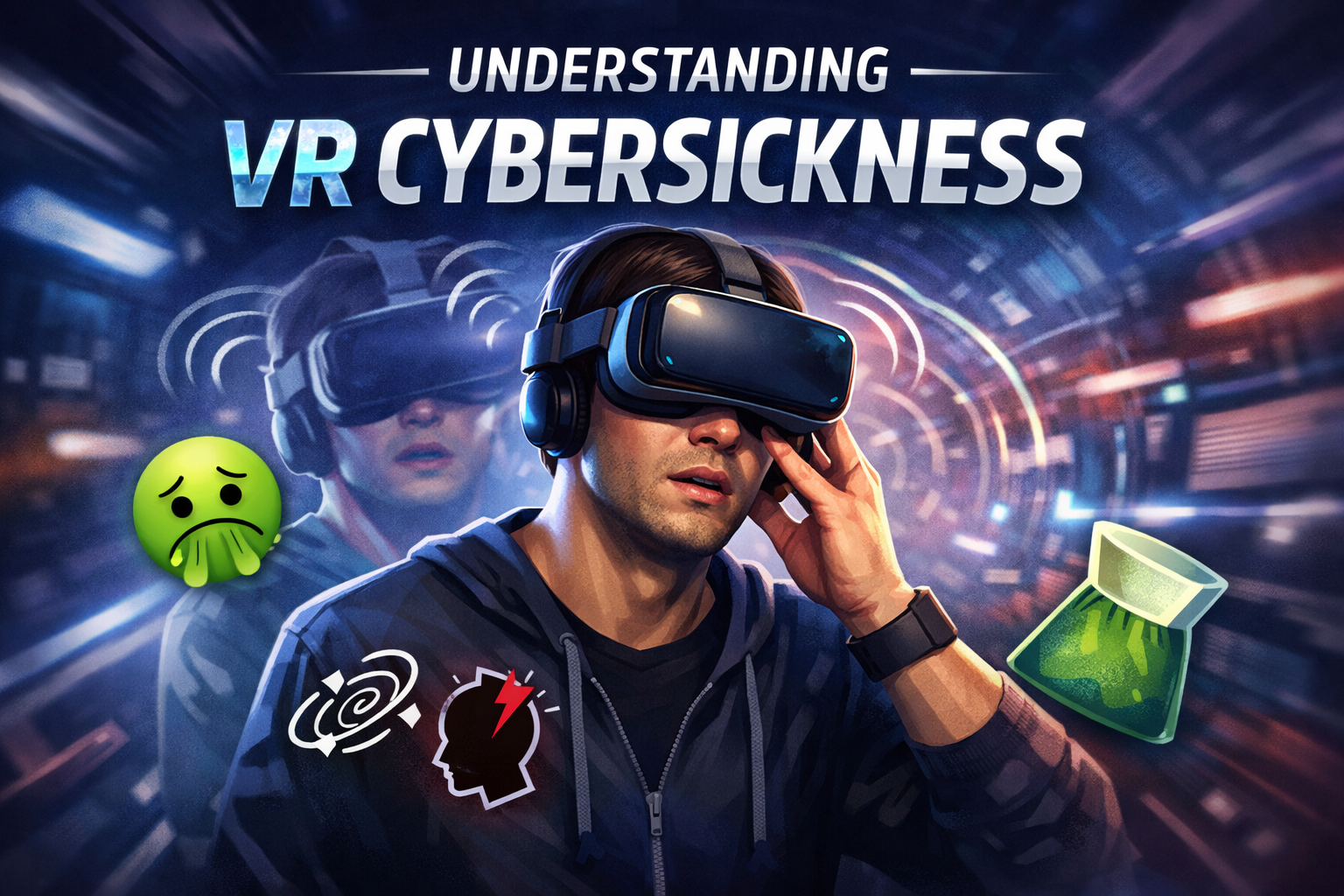
Cybersickness is a form of motion sickness triggered by a mismatch between what your eyes see and what your inner ear (vestibular system) feels. In VR, your eyes may perceive motion — running, turning, falling, accelerating — while your body is standing still (or moving differently). That conflicting signal can lead to nausea, dizziness, sweating, headaches, or fatigue.
If you want a medical overview of motion sickness symptoms and basic prevention, these are solid references:
- Mayo Clinic: Motion sickness first aid
- Cleveland Clinic: Motion sickness overview
- NHS: Motion sickness advice
In research literature you'll also see terms like "simulator sickness" and "VR sickness." The experience is similar: your brain is trying to reconcile competing information streams (vision vs. balance/proprioception).
Why VR can cause nausea: the sensory mismatch explained
Your balance system is built for survival. When your eyes say "we're moving" but your inner ear says "we're not," your brain can interpret that mismatch as a problem — and one old theory suggests it may trigger nausea as a protective response. Whether or not that evolutionary story is the whole picture, the mismatch itself is real and well-documented.
In VR, that mismatch can be amplified by a few common factors:
Artificial locomotion: If a game moves you forward with a joystick while your body stays still, the mismatch grows.
Low or inconsistent frame rate: Stutter, lag, or jitter makes motion cues feel "wrong," increasing discomfort.
High acceleration, rapid turns, or camera bob: Sudden changes in speed/direction are harder for the brain to tolerate.
Optics and fit: A headset that isn't centered, is too loose, or has the wrong lens spacing can cause eye strain.
Heat and dehydration: Warm rooms and dehydration can worsen nausea and headaches.
Anxiety: If you're tense or bracing for sickness, you may notice normal sensations more intensely.
Why free-roam VR is often more comfortable than at-home VR
At Zero Latency, you physically walk through a real space that matches the virtual space. That matters. When your eyes see you moving and your body is actually moving, the sensory signals line up better — which tends to reduce discomfort for many players compared to thumbstick-only movement.
This is also why many VR comfort guidelines recommend "natural" movement schemes and minimizing artificial acceleration. Meta's developer guidance on locomotion comfort is a useful, plain-English overview of what makes movement feel better in VR:
Free-roam doesn't guarantee zero discomfort — some games have intense moments, and every body is different — but it gives you a strong advantage right out of the gate.
Who is more likely to feel it?
Cybersickness varies a lot. Some people can play anything for hours. Others feel queasy in five minutes. A few factors can increase the odds of discomfort:
You're new to VR (your brain hasn't adapted yet).
You're already tired, stressed, dehydrated, or hungry.
You're prone to motion sickness in cars/boats, migraines, or vertigo.
You recently drank alcohol (even "a little" can amplify nausea).
You're recovering from an illness or inner-ear issue.
If you have a medical condition that affects balance or vision, or if you're pregnant, it's a good idea to talk to a clinician before doing intense VR. This article is general information, not medical advice.
How to prevent VR motion sickness: a simple checklist
Before you arrive
Eat light: A small, non-greasy meal 1–2 hours before is ideal. Avoid heavy, spicy, or very rich foods.
Hydrate: Water helps with headaches and nausea tolerance.
Take your time: Give yourself time to feel comfortable before and after your session.
Sleep: Even one short night can make VR feel rougher.
Bring glasses if you need them: Most headsets fit over many frames; clear vision reduces eye strain.
During your game
Start easy if you're sensitive: Tell your host you're a first-timer or prone to motion sickness. We can guide you toward comfort-friendly choices.
Breathe and relax your shoulders: Tension makes you feel worse faster.
Use a stable stance when aiming: Plant your feet when you're lining up shots; avoid spinning in place repeatedly.
Look where you're going: Keeping your gaze stable during movement helps many players.
Take micro-breaks: If you feel "off," pause, focus on a fixed point, and let your stomach settle.
Cool air helps: A little airflow can reduce nausea — tell your host if you'd like a fan or a cooler spot.
After your session
Give yourself a few minutes before driving if you felt even mildly dizzy.
Drink water.
Ease back into your plans and rest until any lingering nausea has passed.
If symptoms persist for hours, consider resting and contacting a clinician, especially if you have severe headache, vomiting, or vertigo.
Common myths (and what actually helps)
Myth: "You just need to tough it out."
Reality: Pushing through usually makes it worse. Short breaks and gradual exposure work better.
Myth: "Only weak stomachs get VR sick."
Reality: It's a normal sensory response. Plenty of tough people get motion sick.
Myth: "All VR is the same."
Reality: Frame rate, movement style, and content intensity matter a lot.
What we do at Zero Latency to keep guests comfortable
We design our guest experience around comfort and clarity, especially for first-timers and group events. A few examples of what typically helps in free-roam venues:
Clear pre-game briefing so players know what to expect (surprises cause tension).
Staff guidance on turning, pacing, and spacing — especially during chaotic moments.
Gameplay formats that emphasize physical movement (walking) over "camera-driven" motion.
Breaks between matches for groups who want to play multiple rounds.
Headset fit checks (comfort, clarity, and stability matter more than most people realize).
Tips for corporate events, birthdays, and big groups
Groups are where cybersickness prevention really pays off. When everyone feels good, the vibe stays high and the team energy builds.
Stagger intensity: If you're booking multiple games, start with something moderate before jumping into the most intense experience.
Plan hydration: Keep water available between rounds.
Keep the room cool: Heat is a sneaky multiplier for nausea.
Encourage honesty: Normalize taking a break. It keeps people safe and keeps the event fun.
Quick FAQ
How long does VR sickness last?
For most people, any queasiness fades within minutes after stopping. Rarely it can linger longer, especially after intense content.
Does ginger help?
Some people find ginger candies or tea helpful for mild nausea. Evidence is mixed, but it's low-risk for many people.
Should I take motion sickness medication before VR?
Some over-the-counter options exist, but they can cause drowsiness. Talk to a pharmacist or clinician if you're considering it.
Will I 'build VR legs' over time?
Often, yes. Gradual exposure can help your brain adapt — start with shorter sessions and comfort-friendly movement styles.
For the curious: a research overview on cybersickness
If you want to dig deeper into how researchers measure and discuss cybersickness across different levels of immersion, this open-access review is a good starting point:
Ready to try free-roam VR in Austin?
If you've been hesitant because you've heard horror stories about VR nausea, free-roam is a great place to start. Let our team know it's your first time and we'll help you ease in comfortably.
Whether you're planning a date night, birthday, or company team event, we'll make sure your group understands the controls, stays safe, and has an unforgettable time in the arena.
— Zero Latency VR – Austin
Book Your Comfortable Free-Roam VR Experience
Zero Latency VR – South Austin | 9900 I-35 Ste M500 Suite 2, Austin, TX