
How Much Is Virtual Reality? A Complete Price Guide
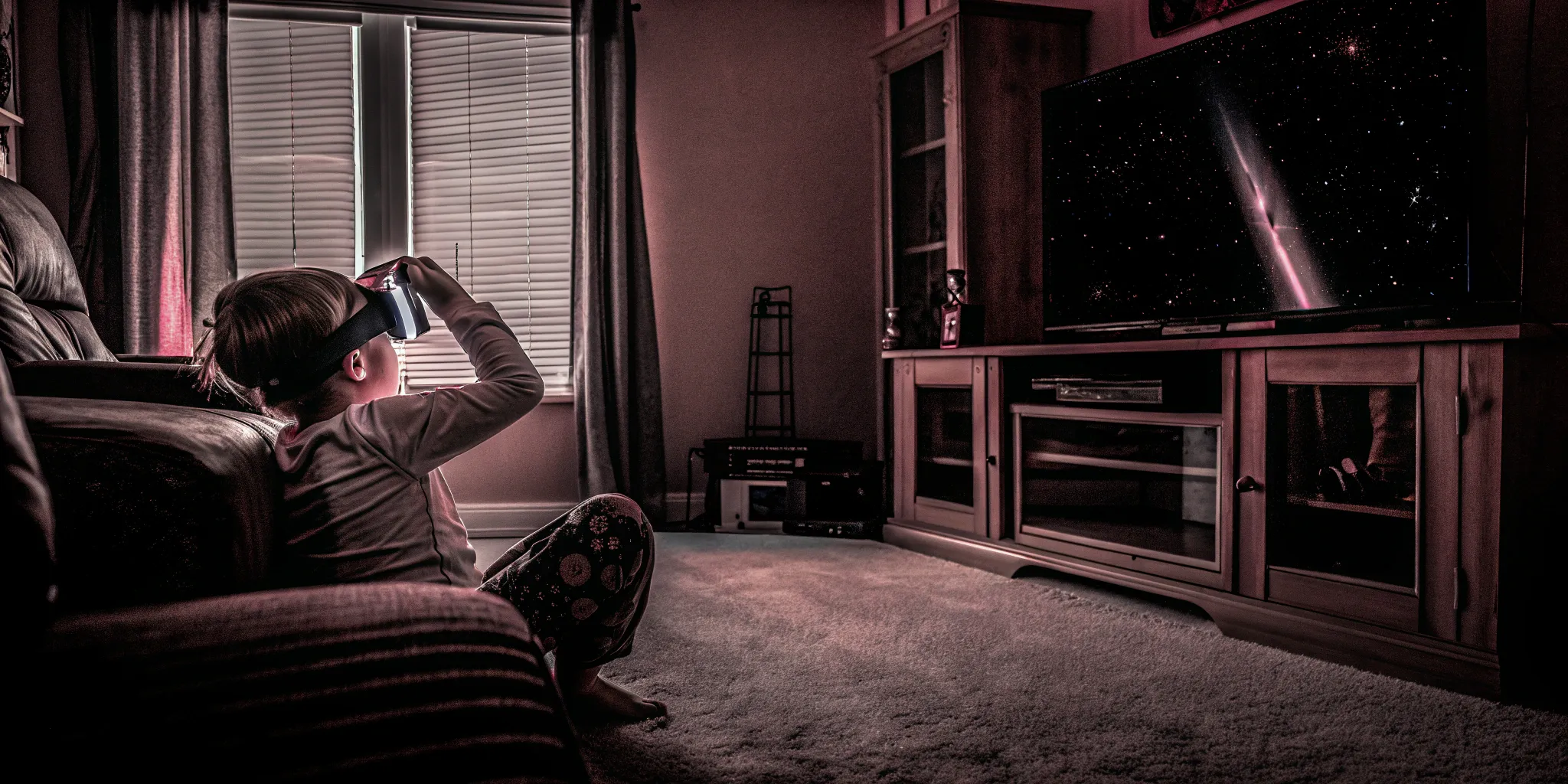
When you see one VR headset for $400 and another for over $1,000, it's natural to wonder what justifies the huge price gap. The answer lies in the technology packed inside. Key features like display resolution, tracking precision, and processing power have a massive impact on how believable and comfortable the experience feels—and they are the biggest drivers of cost. Answering the question of how much is the virtual reality system costs is really about understanding what you get for your money. We'll break down the specific components that separate a budget headset from a premium one, giving you the knowledge to appreciate the technology and make an informed decision about what features matter most to you.
Key Takeaways
- Your Budget Determines the Experience: The price of a VR system directly relates to its level of immersion. You can get a simple taste with mobile VR, enjoy wireless freedom with a standalone headset, or achieve top-tier graphics with a PC-powered setup.
- Plan for the Total Cost of Ownership: The price on the box isn't the final number. Remember to factor in the ongoing costs of building a game library, buying essential accessories for comfort, and potentially upgrading your computer to handle the software.
- Choose a System That Fits Your Space and Goals: The best headset is one that aligns with how you want to play and the room you have available. Be realistic about your physical space and gaming ambitions to find a system you'll actually use.
What Are the Different Types of VR Systems?
If you're curious about virtual reality, one of the first things you'll notice is that not all VR is created equal. The experience you get depends entirely on the type of system you use, and the price points vary just as much. Think of it like choosing a vehicle—a scooter, a sedan, and a sports car will all get you from point A to point B, but the ride, features, and cost will be wildly different. The same goes for VR; a simple mobile headset offers a quick peek, while a high-end system delivers a completely different level of immersion.
Understanding the main categories of VR systems is the best first step to figuring out what fits your budget and your gaming goals. The three main tiers are mobile VR, standalone headsets, and PC-powered VR. Each has its own set of pros and cons, from the super accessible and affordable to the incredibly powerful and immersive. We'll walk through what defines each type, who it's for, and what you can generally expect to pay. This will give you a clear map of the VR landscape so you can find your place in it and decide whether you want a casual setup at home or are ready for a premium, untethered adventure.
Mobile VR
Think of this as the "toe in the water" approach to virtual reality. Mobile VR uses the device you already own—your smartphone—as the engine and screen. You simply slide your phone into a basic headset, which is often little more than a plastic or cardboard shell with a pair of lenses. The most famous example is Google Cardboard. Because it relies on your phone's processing power, the experiences are much simpler, usually limited to 360-degree videos or very basic games. It's a fantastic, low-cost way to see what VR feels like, with headsets costing anywhere from $10 to $100, but it lacks the interactive, room-tracking capabilities of more advanced systems.
Standalone Headsets
This is where things get really interesting for home VR. Standalone headsets are all-in-one devices that don't require a phone or a computer to operate. Everything—the screen, processors, sensors, and storage—is built right into the headset. The Meta Quest 2 is the most popular example in this category. These systems offer a great balance of performance, convenience, and price, typically falling in the $300 to $400 range. They provide true, six-degrees-of-freedom (6DoF) tracking, which means you can walk around a designated space and the virtual world responds realistically. The wireless freedom makes them incredibly immersive and easy to jump into.
PC-Powered VR
For those who want the absolute best graphical fidelity and performance, PC-powered VR is the top tier. These systems connect directly to a powerful gaming computer, using its high-end processor and graphics card to run the most demanding VR games and simulations available. This connection results in stunningly realistic visuals and complex gameplay that standalone headsets can't match. However, that power comes at a steep price. The total investment for a capable VR-ready PC and a high-end headset can easily run from $800 to over $2,000. You're also typically tethered to the computer with a cable, which can limit your movement.
How Much Does VR Actually Cost?
Virtual reality isn't a one-size-fits-all experience, and neither is its price tag. The cost can range from less than a night out at the movies to more than a high-end gaming computer. It all depends on the level of immersion you're looking for. Understanding the different tiers can help you figure out where you want to start, whether you're just curious or ready to build a dedicated VR space in your home. Let's break down the typical costs you can expect at each level.
Entry-Level VR (Under $300)
If you're just looking to dip your toes into virtual reality, mobile VR is your most budget-friendly starting point. These systems use the device you already own—your smartphone—as the screen and processor. You simply slide your phone into a headset viewer. The most basic versions, like Google Cardboard, can cost as little as $10. More structured headsets like the old Samsung Gear VR offered a slightly better experience for around $100. While this option is incredibly accessible, the experience is limited by your phone's power. It's a fun way to watch 360-degree videos or play simple games, but it won't deliver the truly immersive, interactive experience of higher-end systems.
Mid-Range Systems ($300-$700)
This is where home VR starts to get really interesting. Standalone headsets, like the popular Meta Quest line, operate without needing to be tethered to a PC or a phone. Everything you need is built right into the headset. This freedom of movement makes the experience much more immersive. For a few hundred dollars, you get a system that can handle impressive games and social experiences. These headsets are a fantastic middle ground, offering a high-quality, user-friendly experience without the massive investment required for PC-powered VR. They represent the sweet spot for most consumers looking to bring quality virtual reality into their homes.
High-End VR Experiences ($700+)
For the most realistic and graphically intense VR, you'll need a PC-powered system. Headsets in this category connect to a powerful gaming computer to deliver stunning visuals and complex gameplay. The headset alone can cost anywhere from $700 to over $1,000, but that's only part of the equation. The total investment for the headset and a VR-ready PC can easily climb to $2,000 or more. This tier is for serious enthusiasts who want the absolute best performance. For those who want to experience this level of immersion without the hefty price tag and technical setup, visiting a free-roam VR arcade gives you access to top-of-the-line tech without the commitment.
What Features Drive Up the Price of VR?
When you see a wide range of prices for VR systems, you might wonder what separates a budget-friendly headset from a premium one. It really comes down to the technology packed inside. Certain features have a huge impact on how immersive and seamless your experience feels, and they also happen to be the biggest drivers of cost. From the crispness of the display to the way you interact with the virtual world, let's break down the key components that influence the price tag.
Display Quality
The quality of the display is one of the most significant factors in a VR headset's price. After all, what you see is the core of the experience. High-end headsets use advanced display panels, like OLED or LCD, with very high resolutions to deliver sharp, vibrant, and realistic images. A higher resolution means fewer visible pixels, which reduces the "screen-door effect" and makes the virtual world feel more solid and believable. This enhanced visual clarity is crucial for immersion, making it a primary focus for premium VR systems and a major reason for their higher cost.
Field of View and Tracking Capabilities
Your field of view (FOV) determines how much of the virtual world you can see at any given moment. A wider FOV is closer to natural human vision, creating a more encompassing and less restrictive experience. Premium headsets invest in optics that provide a broader FOV, which adds to the cost. Paired with this are the system's advanced tracking capabilities, which monitor your head and body movements. Whether it's inside-out tracking using cameras on the headset or external sensors placed around your room, the precision of this technology is key for a smooth, responsive experience that doesn't cause motion sickness.
Processing Power
Creating a convincing virtual world in real-time requires a ton of processing power. While standalone headsets have built-in processors, the most graphically intense VR experiences rely on external power from powerful gaming PCs or consoles. The need for a top-tier graphics card (GPU) and central processing unit (CPU) to render complex environments and maintain a high frame rate is a major cost factor. This is why PC-powered VR systems often sit at the higher end of the price spectrum—the headset itself is just one part of the required hardware investment.
Comfort and Ergonomics
How a headset feels on your head is incredibly important, especially during longer sessions. Manufacturers spend a lot on research and development to create designs that are both comfortable and functional. Features like adjustable head straps, balanced weight distribution, lightweight materials, and breathable face padding all contribute to a better user experience. These ergonomic considerations add to the manufacturing cost but are essential for preventing discomfort and fatigue, allowing you to stay immersed in the game for longer without feeling strained.
Controller Technology
Your controllers are your hands in the virtual world, so how they function is critical. Basic controllers might just have buttons and joysticks, but advanced systems feature sophisticated motion tracking that captures the precise position and orientation of your hands. Many also include haptic feedback, which uses vibrations to simulate the feeling of touching an object or firing a weapon. This technology makes interactions feel much more tangible and intuitive, but the complex sensors and motors required to pull it off add a significant amount to the overall price of the VR system.
Don't Forget These Hidden VR Costs
Getting a VR headset is exciting, but the initial price tag is often just the starting point. Several other expenses can pop up, turning your budget-friendly setup into a much larger investment. Before you commit, it's smart to get a full picture of the total cost of owning an at-home VR system. From necessary hardware to the games themselves, these often-overlooked costs can add up quickly. Let's walk through what else you might need to budget for.
PC Hardware Upgrades
If you're leaning toward a PC-powered VR system for its high-fidelity graphics, your current computer might need a serious upgrade. These headsets require a powerful graphics card, a fast processor, and plenty of RAM to run smoothly. A PC that's ready for VR can cost anywhere from $800 to over $2,000, and that's before you even buy the headset. You'll want to check the system requirements for the headset you're considering and compare them to your current PC specs to see what, if anything, needs to be replaced.
Buying Games and Apps
Your new VR system won't be much fun without games and experiences to explore. While there are some great free options, most of the top-tier, immersive titles come with a price tag. Individual games can cost up to $60, similar to traditional console games. Building a decent library of games can easily add a few hundred dollars to your total spending. It's a good idea to browse a platform like the SteamVR store to get a feel for game prices and factor that into your budget from the start.
Must-Have Accessories
To get the most out of your headset, you'll likely need a few accessories. Some base models don't include controllers or tracking sensors, which are essential for interactive, room-scale experiences. You might also want to invest in comfort upgrades like a more ergonomic head strap, prescription lens inserts if you wear glasses, or protective covers to keep your gear safe. These extras can significantly improve your experience but also increase your overall investment, so be sure to research what comes in the box and what you'll need to buy separately.
Maintenance and Repairs
Like any piece of tech, VR equipment can wear out or break. Controllers get dropped, cables can fray, and components can eventually fail. Factoring in the potential cost of repairs or replacements is a practical part of long-term ownership. Over time, you might also want to upgrade parts of your system to keep up with new technology. Thinking about these future expenses helps you understand the total cost of ownership beyond the initial purchase and ensures you can keep your system running smoothly for years to come.
Subscription Fees
As the VR landscape grows, so does the number of services that operate on a subscription model. Many fitness apps, social platforms, and premium content libraries require a monthly or annual fee for full access. For example, services like Supernatural offer guided workouts in stunning virtual locations for a recurring fee. While these subscriptions can provide a steady stream of new content and experiences, they are an ongoing cost that you'll want to account for when planning your VR budget.
How Much Space Do You Need for VR?
Beyond the cost of the headset and games, one of the biggest considerations for at-home VR is your physical space. The type of VR experience you can have is directly tied to the room you have available. While some games work perfectly fine while you're sitting or standing in one spot, the most immersive titles require you to move around. This is often called "room-scale" VR, and it demands a dedicated, clear area to avoid bumping into furniture or tripping over pets.
Setting up a proper play area is about more than just immersion—it's a critical safety step. You'll be swinging your arms, ducking, and stepping around, completely unaware of your real-world surroundings. Before you invest in a system, take a good look at your living room, office, or spare bedroom and decide if you can realistically create a safe and functional VR zone. If you're short on space or just want to experience the freedom of a massive, unobstructed play area, visiting a free-roam VR arena is a fantastic alternative.
Room-Scale Requirements
For a decent room-scale experience at home, you'll want a clear space of at least 6.5 feet by 6.5 feet. This gives you enough room for a full range of motion without constantly worrying about hitting a wall or a coffee table. Some of the most active games feel best with even more space. You'll need to measure your intended area and clear it of any obstacles—chairs, lamps, rugs, and anything else you could trip on. This dedicated space allows the system's sensors to track you accurately, making the virtual world feel that much more real and believable.
Power and Cable Management
If you're using a PC-powered VR headset, you'll have a long cable connecting you to the computer. This cord can be a major immersion-breaker and a serious tripping hazard. To play safely, you'll need to think about cable management solutions like overhead pulley systems, clips, or sleeves to keep the wire organized and out of your way. Untethered, standalone headsets solve this problem, but for the highest graphical fidelity, you'll be dealing with a cord. Planning how to manage it is just as important as clearing the floor space.
Safety Gear
While you're focused on not running into a wall, don't forget about the gear in your hands. Most VR systems come with wrist straps for the controllers, and you should always use them. In the heat of the moment, it's surprisingly easy to let a controller slip and send it flying across the room. Using simple safety gear like wrist straps is a non-negotiable step to protect your equipment, your TV, and anyone else who might be in the room with you. It's a small habit that can save you from a very expensive accident.
Room Modifications
To truly optimize your space for VR, you might need to make a few temporary modifications. This means doing more than just pushing a couch aside. Consider adding soft padding or foam covers to any sharp corners on furniture that you can't move out of the area. Some people even use interlocking foam floor mats to define the play space and cushion any potential falls. Creating a safer environment is key to letting go and fully immersing yourself in the game without the nagging fear of getting hurt.
How to Choose the Right VR System for You
Picking the right VR system can feel like a huge decision, but it doesn't have to be overwhelming. The best headset for you isn't necessarily the most expensive or the one with the most buzz. It's the one that fits your space, your budget, and your idea of fun. Think of it like buying a car—a sports car is great, but not if you need to haul groceries and kids. Before you get lost in specs and reviews, take a moment to think about what you really want from your virtual experiences. A little planning upfront will help you find a system you'll love and use for years to come, instead of one that just collects dust.
Match the System to Your Goals
First things first: what do you want to do in VR? Are you looking for intense, action-packed games, or are you more interested in creative apps, fitness programs, or social hangouts? When you're choosing a VR system, it's important to think about the type of experience you want, your budget, and the extra costs for games and accessories. If you're a hardcore gamer who wants top-tier graphics, a PC-powered headset might be your best bet. If you just want a simple, plug-and-play way to try VR with your family, a standalone headset is probably a better fit. Be honest about how much time and money you're willing to invest. This will help you narrow down your options and focus on the systems that truly align with your goals.
Find the Best Deals
Once you have an idea of what type of system you want, it's time to start shopping. VR headset prices can vary significantly from one retailer to another, so it pays to do some research. Marketplaces like Amazon have a huge selection of VR headsets, with options ranging from budget-friendly models to premium systems, so there's something for everyone. Don't forget to check big-box stores like Best Buy and the manufacturer's official website. Keep an eye out for seasonal sales, especially around Black Friday and other holidays. You can also find great value in bundles that include popular games or essential accessories, which saves you from having to buy them separately later.
Understand the Warranty
A VR headset is a piece of advanced technology, and it's a good idea to protect your purchase. Before you click "buy," take a few minutes to read the fine print on the warranty and return policy. As tech experts point out, these policies can vary significantly between brands and models. Look for a manufacturer's warranty that covers defects for at least a year. Check what's included—does it cover the controllers and cables, or just the headset? A solid return policy is also key, giving you a window to send the system back if it's uncomfortable or doesn't work well in your space. This safety net is especially important if you're buying your first headset and aren't sure what to expect.
Look for Future-Proof Features
The world of VR is constantly evolving, with new and better headsets hitting the market all the time. While you can't predict the future, you can choose a system that's built to last. Look for features that are becoming industry standards, like inside-out tracking (which doesn't require external sensors), high-resolution displays, and a wide field of view. It's also smart to choose a platform with a strong and growing library of games and apps. A headset is only as good as the experiences it offers, so buying into a healthy ecosystem ensures you'll have a steady stream of new content to explore. This way, your investment will continue to pay off with fresh adventures down the road.
Your First Steps with a New VR System
So, you've brought home a new VR system. Congratulations! Getting started is exciting, but it can also feel like there are a lot of moving parts. The journey from unboxing to playing your first game is pretty straightforward if you take it one step at a time. Think of it as setting the stage for countless adventures to come. Before you dive in, focus on getting the physical and digital setup right. This ensures your first experience is comfortable, safe, and fun, and helps you get the most out of your investment from day one.
The Initial Setup
First things first: clear a space. You'll need an open area free of furniture, pets, and other obstacles to move around safely. Once your play area is ready, it's time to unbox your gear. Charge the headset and controllers fully before you do anything else. While they're charging, you can read through the instruction manual. Most systems guide you through the software setup on-screen, which usually involves connecting to Wi-Fi, pairing your controllers, and setting up a safety boundary, often called a guardian. This virtual wall warns you if you get too close to the edge of your play space.
Essential Accessories to Get Started
While your VR system comes with everything you need to play, a few extra accessories can make a world of difference. Comfort is key, so consider an upgraded head strap or a silicone face cover, which is also great for hygiene if you plan on sharing the headset. To protect your investment, lens protectors are a must-have to prevent scratches. A dedicated charging dock can also be a lifesaver, keeping your headset and controllers organized and ready to go. These add-ons are part of the overall cost of a VR system, so it's smart to budget for them ahead of time.
Popular Games and Apps to Try First
Now for the best part: the games! The world of VR content is massive, with options ranging from free experiences to full-priced, sixty-dollar titles. For your first time, I recommend starting with something intuitive and comfortable. Look for highly-rated introductory games like Beat Saber or SUPERHOT VR, which are easy to pick up and do a great job of showing what VR is capable of. Many systems also come with free demo packs or introductory apps. You can browse the official Meta Quest Store or SteamVR to see what's available and find something that piques your interest.
Keep Your Gear in Top Shape
To ensure your VR system lasts, a little maintenance goes a long way. Always use a dry microfiber cloth to clean the lenses—never use liquid cleaners, as they can damage the coating. Store your headset away from direct sunlight, as the sun's rays can be magnified through the lenses and permanently burn the display screens. It's also a good idea to wipe down the headset and controllers after use, especially after an active session. Thinking long-term, remember that you may eventually need to replace controller batteries or other worn-out parts, so factor that into your future budget.
Related Articles
- Exploring Advanced Virtual Reality: Top Headsets & Applications
- Affordable Home VR Arcade: How to Get Started
- Top 5 VR Experiences in Austin
- Find the Best VR Arcade: Your Ultimate Guide
- Austin's Top 5 High-Tech Arcades: VR & More
Frequently Asked Questions
Do I really need a powerful PC for a good VR experience? Not at all. While PC-powered VR offers the most impressive graphics, modern standalone headsets like the Meta Quest line are incredibly capable and provide fantastic, immersive experiences all on their own. For most people who want to play popular games, get in a workout, or hang out with friends in VR, a standalone system is the perfect choice. Think of PC VR as the option for serious enthusiasts who want to push the technology to its absolute limits.
I live in an apartment with limited space. Can I still use VR? Absolutely. While some games are designed for large, open "room-scale" areas, a huge library of amazing VR experiences can be enjoyed while sitting down or standing in one spot. You can pilot starships, solve puzzles, or watch movies without needing to clear your entire living room. Just be sure to check a game's requirements before you buy it to see if it's listed as "Seated" or "Standing" friendly.
What's the most overlooked cost when getting into VR? The games themselves are often the biggest surprise expense. It's easy to focus on the price of the headset, but just like a new video game console, you need software to make it fun. Most high-quality VR games cost between $20 and $40, and building a library can add up quickly. It's a good idea to set aside a separate budget for games and apps so you're not caught off guard after your initial purchase.
Is it better to buy my own system or go to a VR arcade? They serve different purposes, and both are great options. Owning a headset is wonderful for convenience and daily use. However, a free-roam VR arcade gives you access to a massive play space and technology that's far more advanced than what's typically available for home use. It's the perfect way to experience the peak of immersive, untethered VR with a group of friends without the high cost and technical setup of a high-end system.
How do I avoid feeling sick in VR? Motion sickness can happen, but it's usually preventable. When you're starting out, choose games that are rated as "Comfortable" and involve minimal artificial movement. Play in short sessions of 15-20 minutes and take a break as soon as you feel even slightly off. Over time, most people build up a tolerance. Also, make sure your headset is fitted properly—a blurry or wobbly image is a common cause of discomfort.